Left title bumper.

GatorRealm

Right title bumper.

Development span: September 2023 - November 2023 (3 months)

Project Type

  • Collaborative - 3 Person Team

My Roles

  • Programmer, Designer, Artist

Source Code

Download and Play

Made For

  • CEN4721 Human-Computer Interaction (UF)
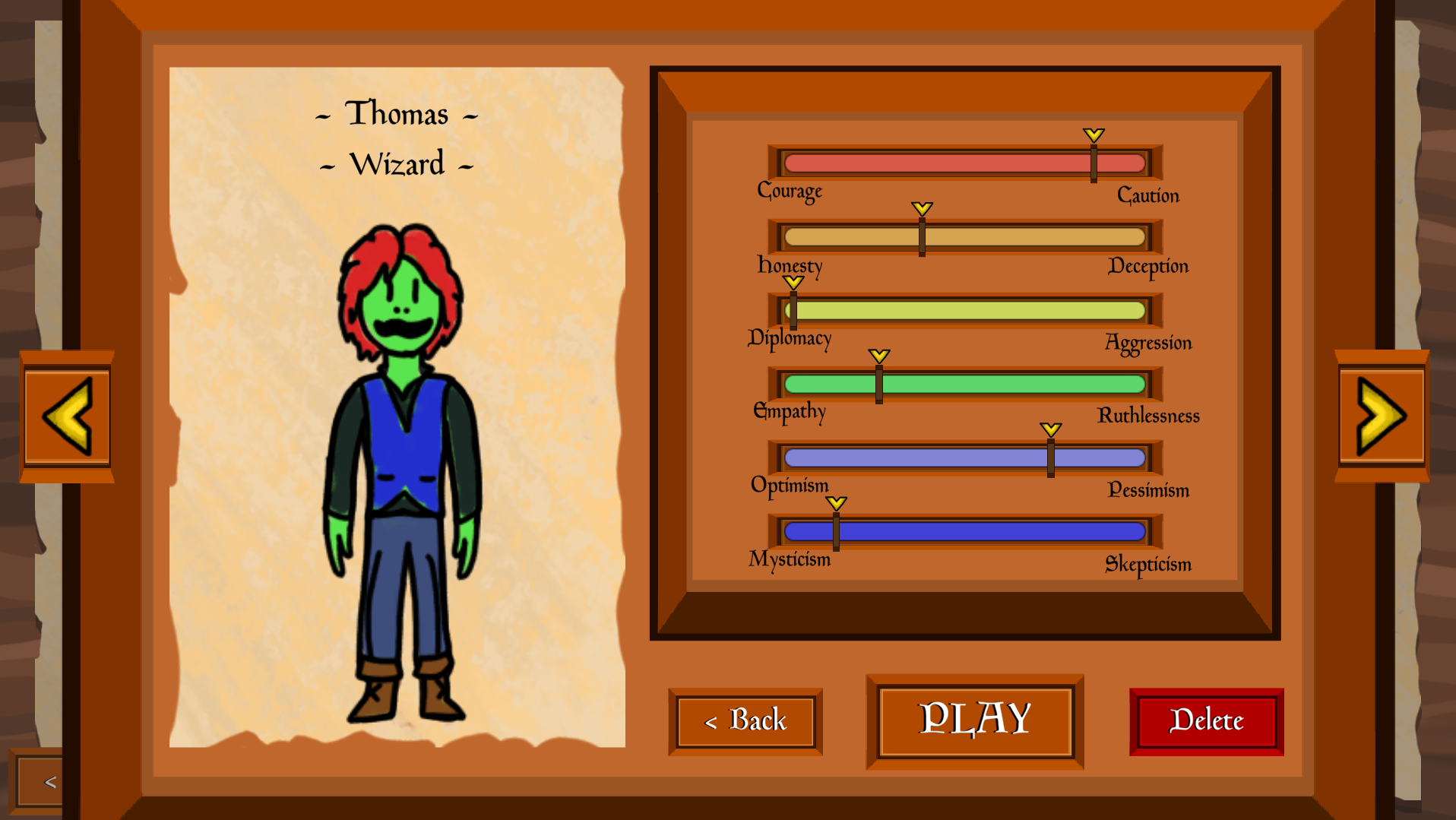
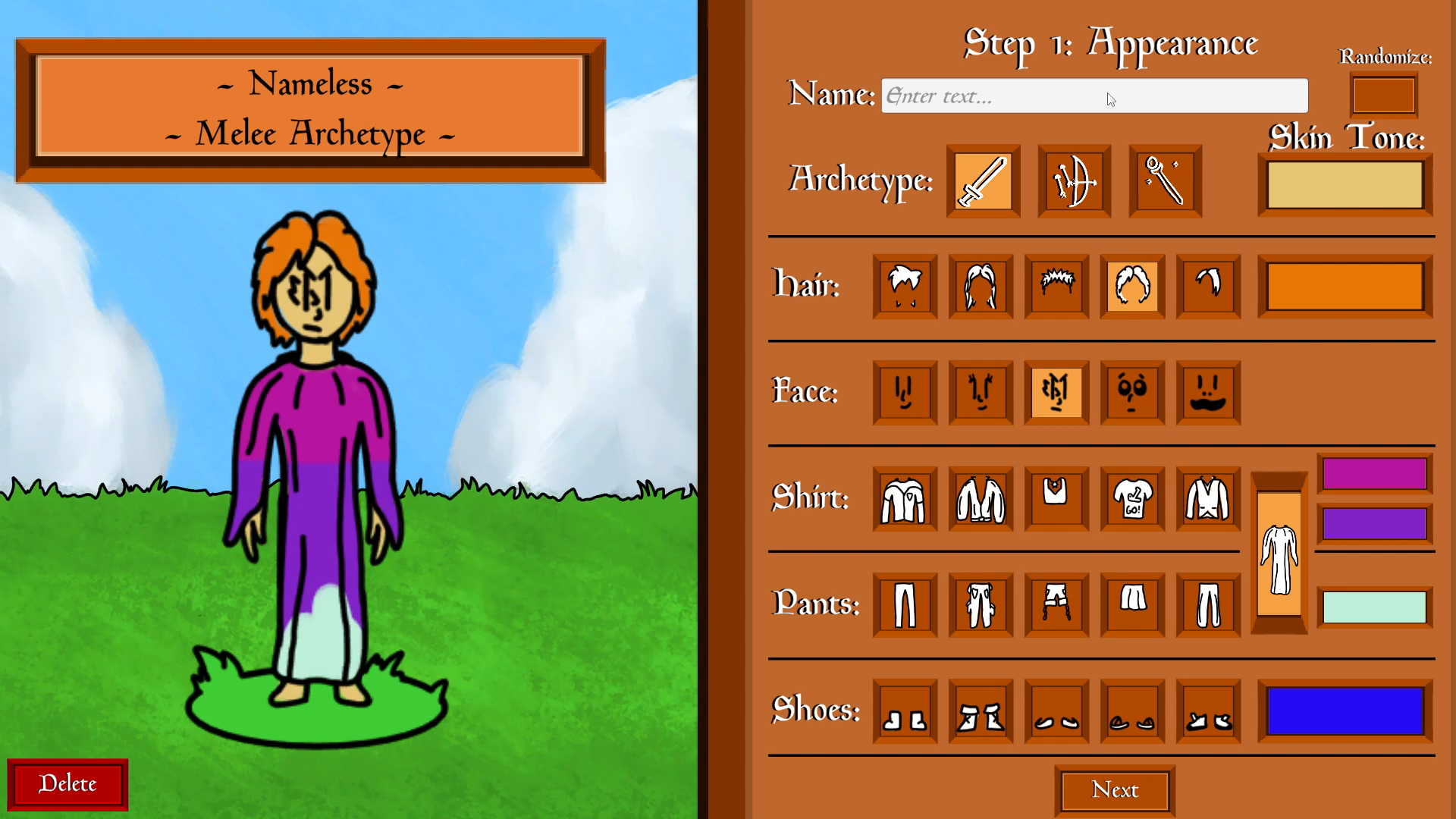
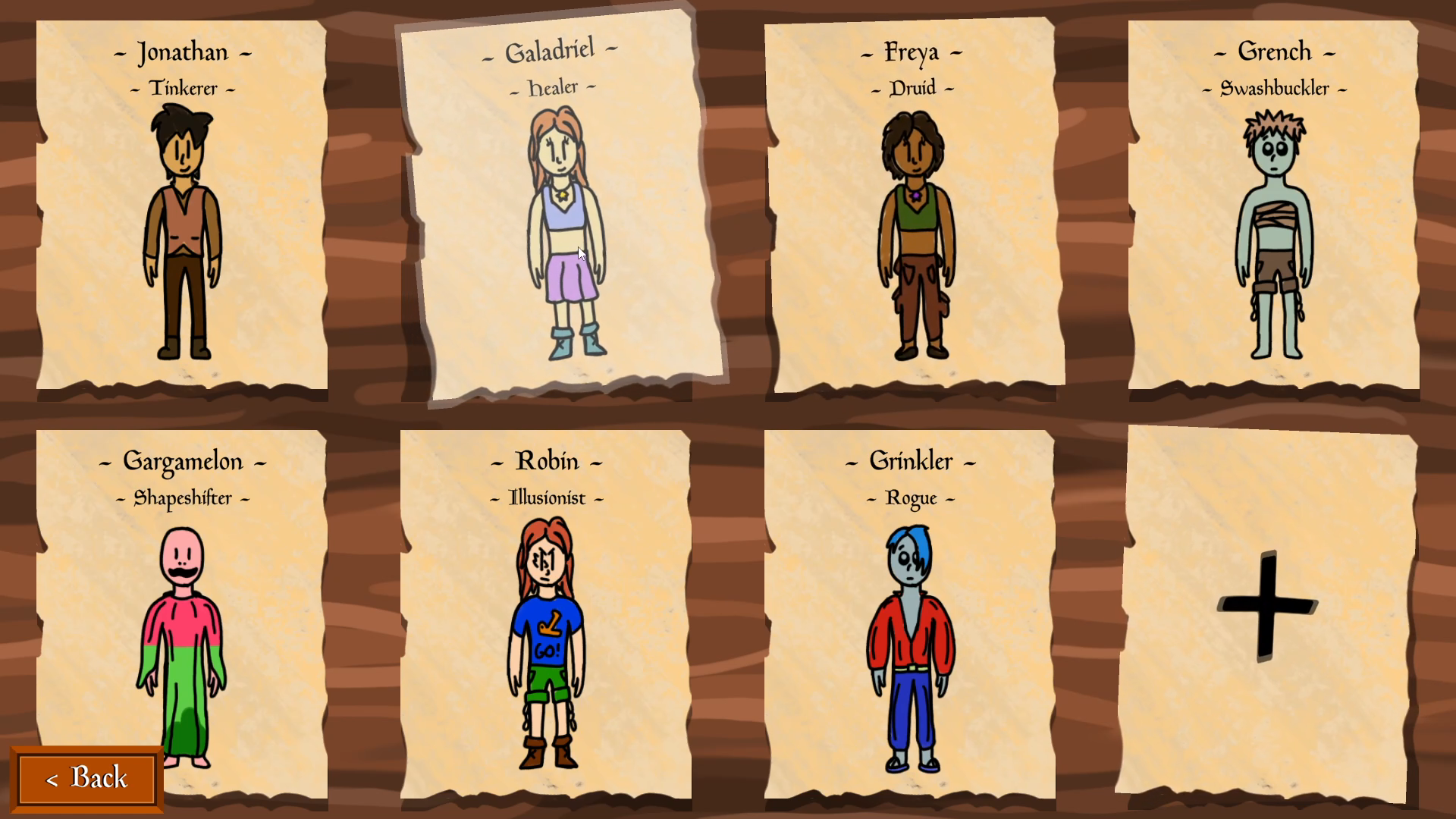
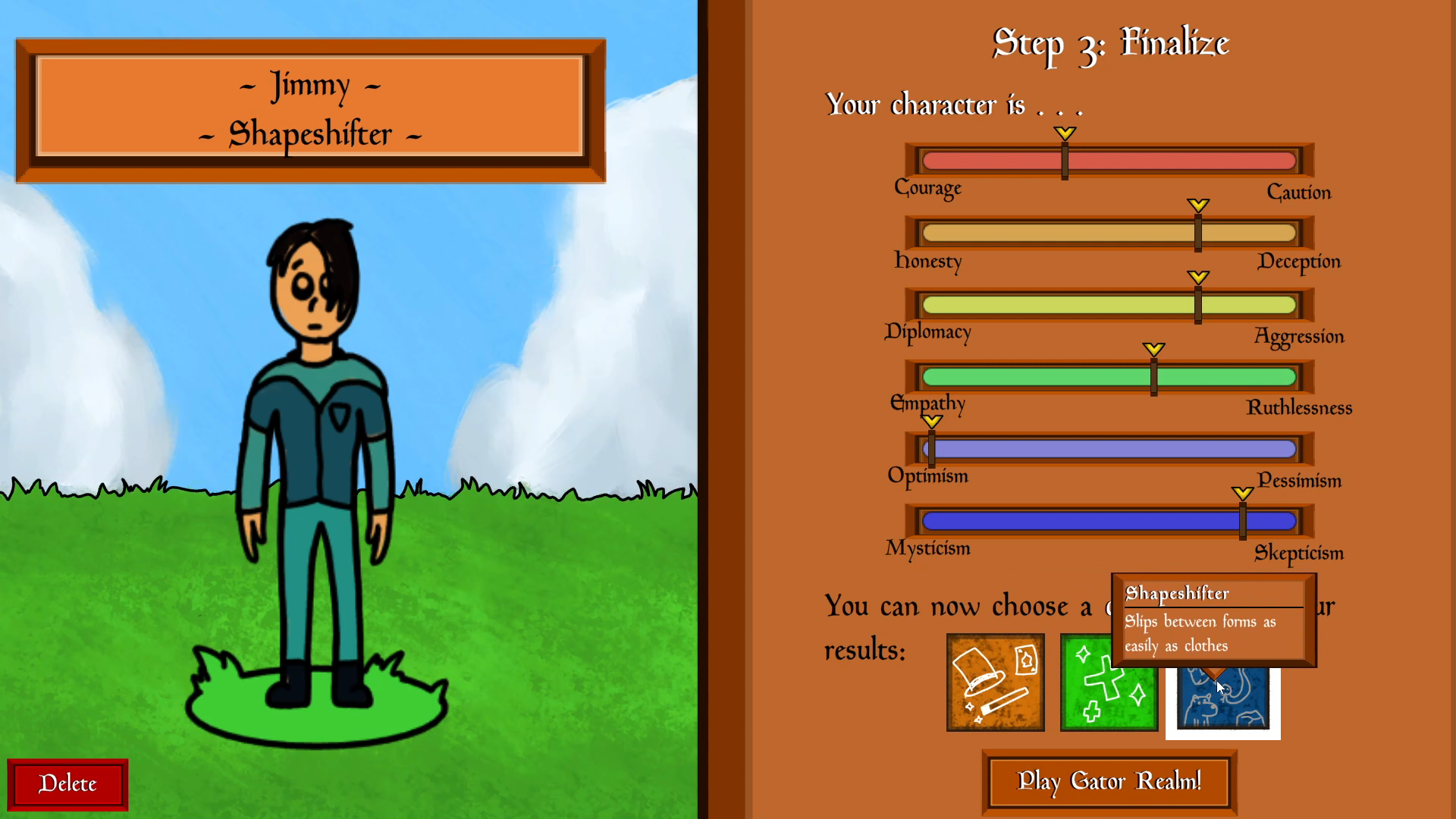
You can choose from a wide range of clothing and appearance options for your character, as well as their class archetype. You can have up to 8 characters at a time, and clicking on each one shows a preview of their stats and class. When you assign a character's personality, you get to choose from a selection of classes based on both personality and archetype.

About the Project

GatorRealm is a character creation application for an imaginary "GatorRealm" MMORPG. My primary roles were overseeing presentation and the character select screen; through both of these, I spent a lot of time working on the intricacies of making a user interface in Unity feel satisfying to use. As the main project of the Human-Computer Interaction course, my group elected to make a character creator; part of the assignment was to create 2 versions of the project with a significant UX difference and compare how testers felt about each.

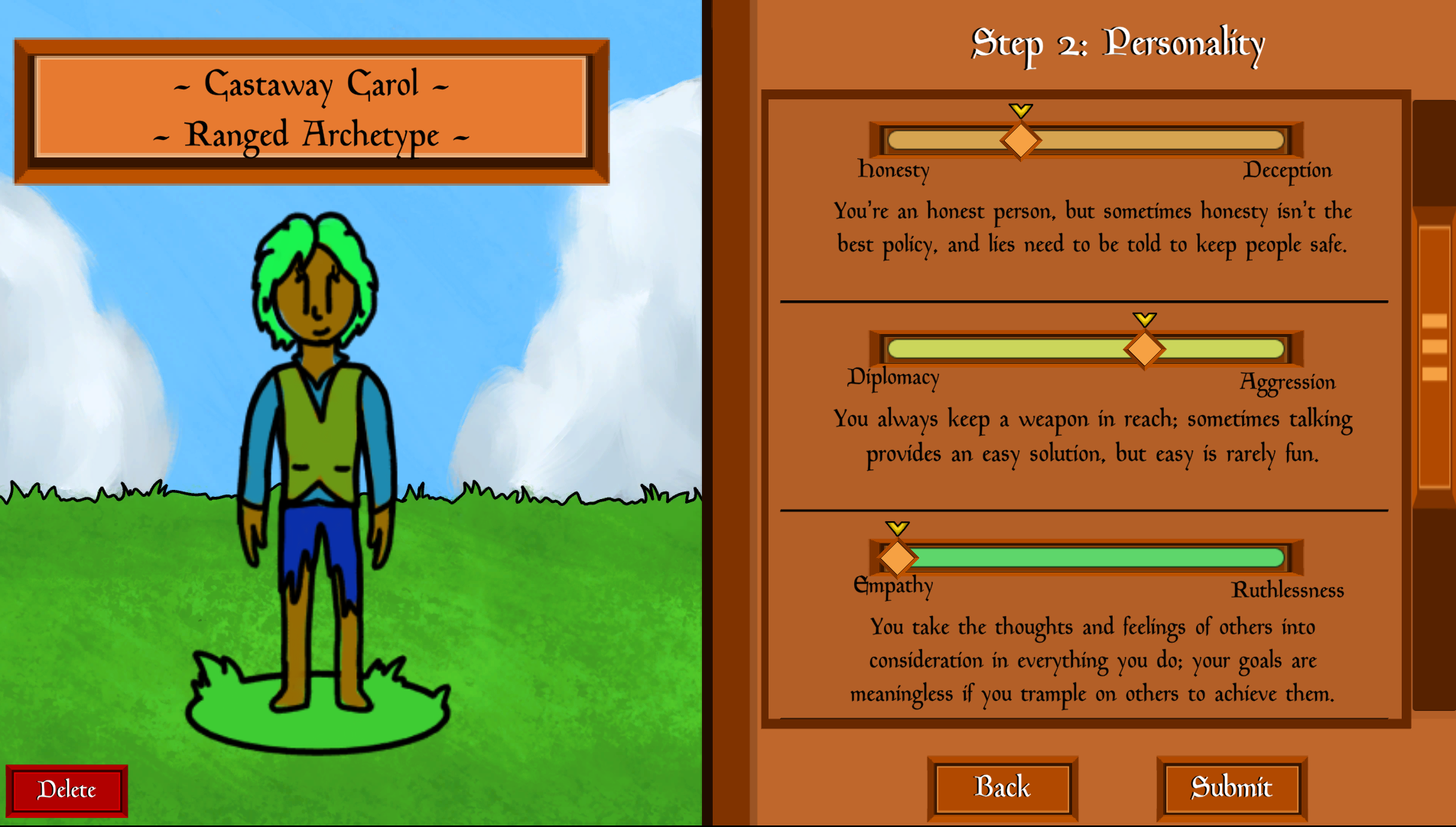
GatorRealm Orange Version is our first version. We chose to make our significant difference the way in which the player assigns their character a personality; Orange Version presents the player with an immersive quiz about how the created character would respond to different situations, and then assigns personality traits like whether the character is more courageous or cautious based on those responses. GatorRealm Blue Version is our second version; it lets the player control the personality sliders directly, allowing them to have more control over what their character is like at a potential cost to immersion.
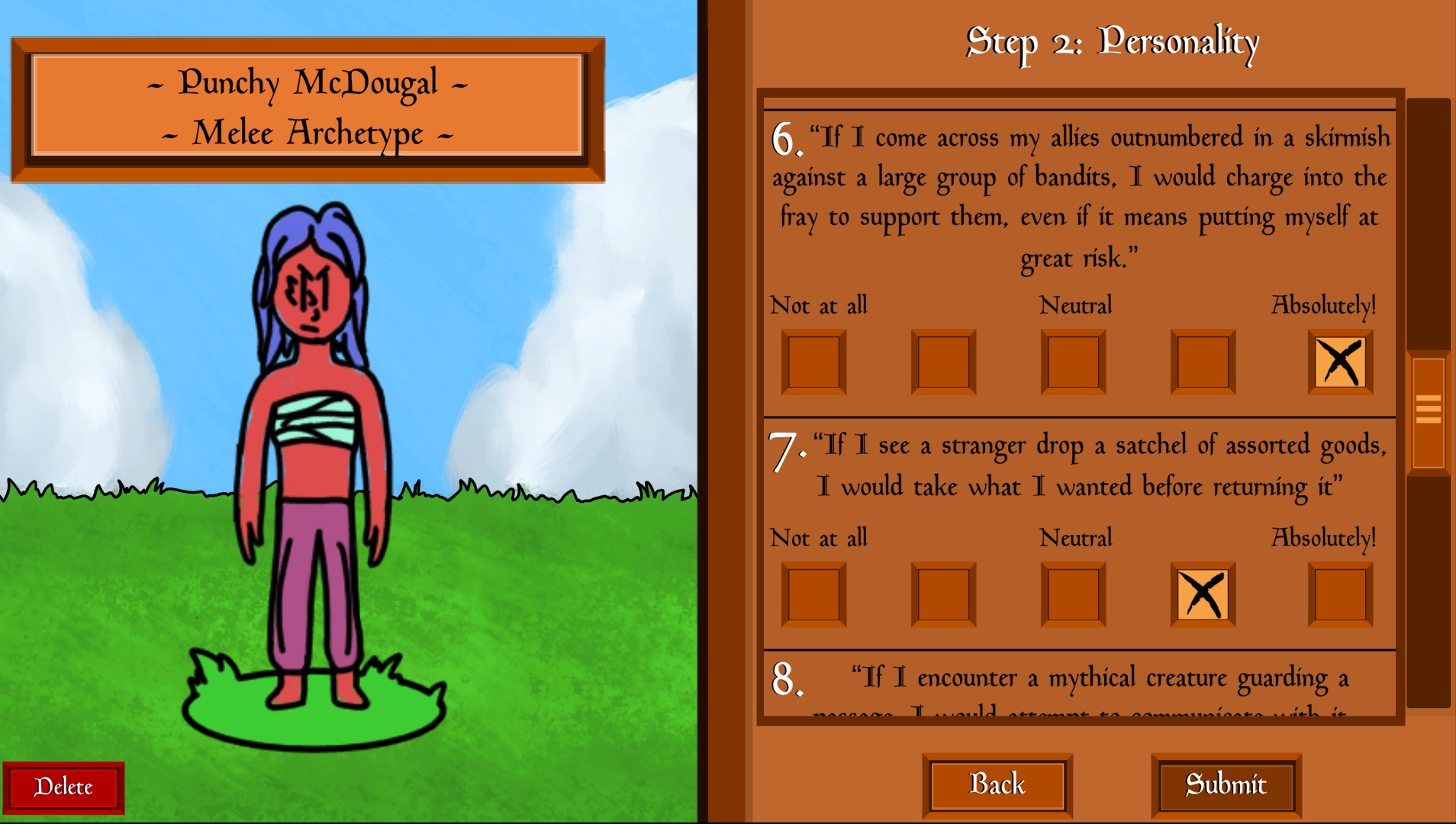
In Orange Version, a series of in-character questions determine your character's personality. In Blue Version, you can move personality sliders directly, and the descriptions below each slider 
                     change to help you understand what different slider positions mean for your character. After you create a character, you can check their stats and appearance on the
                     character select screen.

Programming Accomplishments

  • Programmed and configured the character selection screen, title screen, and all confirmation popups
  • Programmed and configured smooth scene transition effects

Other Accomplishments

  • Contributed to design of application with the goal of creating a better user experience
  • Contributed to design of usability studies run for the class to help further design goals
  • Iterated on design based on results of usability studies
  • Created all art for the game, including character assets, backgrounds, buttons, and logo

< Previous

Next >

Want to get in touch? Find me in all of these places!

Link up on my LinkedIn profile

Scratch an itch on my Itch.io page

Send me an email at awk481@gmail.com

© 2024 Andrew Kohler